Image source: https://lh5.ggpht.com/4C5AGyP1TWZ2HL6ptjcnbsy-n2If1jVh915KoaLiJyl-mvvkZrBXn1trKqQ1YvXaqA=h900
Tips on keeping your battery healthy:
Laptop batteries and any kind of lithium ion batteries are EXPENSIVE, and probably not going to drop in cost anytime soon. Here are some tips on how to maximize battery health so you don't, like me have to keep dropping $100 a pop for new lithium, ion batteries.
Tip 1) You actually have to use your battery. Sounds simple and stupid, I know. But when I first started using laptops, I just left it plugged in all the time. But a battery, in this way, is just like a body. It needs exercise from time to time and you can't let it just sit there wasting away.
Tip 2) Fully drain and fully charge the battery every two to three weeks. This shouldn't be that difficult to do. For some reason that I haven't figured out, batteries like to occasionally be taken to the edge.
Tip 3) Fully charge a new battery before using it. This is a tip most all of us already know. New batteries need to be broken in, just like a car engine, before using normally.
Tip 4) If you're ever not going to use your battery for a long period of time (let's say 3 weeks), take it out of the laptop and store it somewhere cold. That way, it won't just waste away in your laptop. This is a tip that I should have done a long time ago instead of just leaving it in the computer while running the cord from the wall.
Tip 5) Stay away from extreme temperatures. This isn't just for the health of your battery. This is for the health of your whole laptop. Don't leave your laptops in places like cars. Just don't
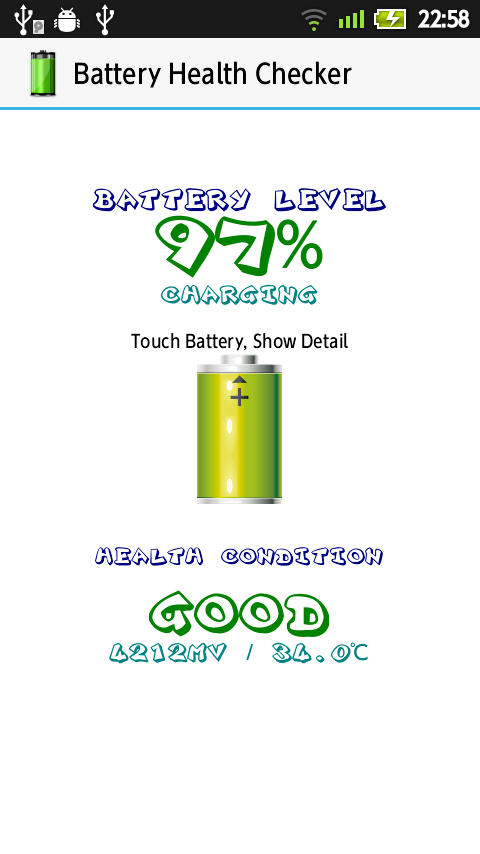
Tip 6) There are some pretty good computer programs out there that maximize and monitor the health of your battery, letting you know exactly how healthy it is and when it's expected to decline. They're easy to find if you look for them.


